

Hey folks!
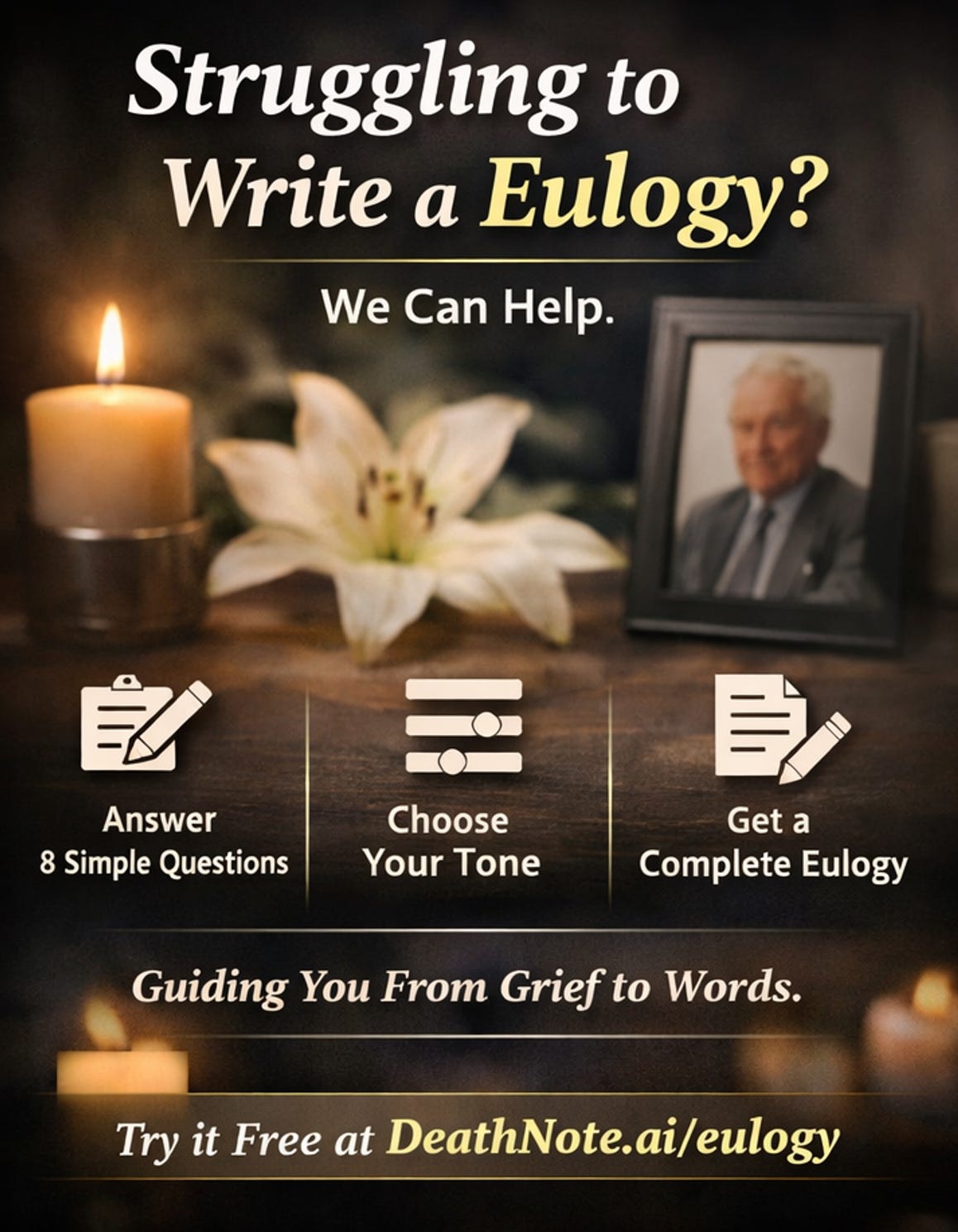
DeathNote now has a free eulogy generator. You answer 8 questions, pick a tone, and get a full eulogy you can edit, print, and deliver. It takes about 5 minutes.
This post is about why it exists, how it works, and what happened when real people started using it.
The Problem
Someone you love dies. Within days — sometimes hours — someone asks you to stand up in front of everyone and say something meaningful about their life.
You are grieving. You cannot think clearly. You open a blank document and stare at it. Maybe you google “how to write a eulogy” and get a wall of generic advice: “Start with a memorable anecdote.” Great. You are mid-grief and someone is telling you to brainstorm anecdotes.
The existing tools are not much better. Most eulogy generators are either glorified Mad Libs (”Insert name here, insert relationship here, press generate”) or they hand you a ChatGPT prompt and call it a product. The output reads like it was written by a machine, because it was. No specificity. No warmth. No actual connection to the person who died.
We wanted to build something different. Something actually designed for this unique and sensitive moment. We knew we could do it better.
The 8-Question Framework
Instead of asking people to write, we ask them to remember.
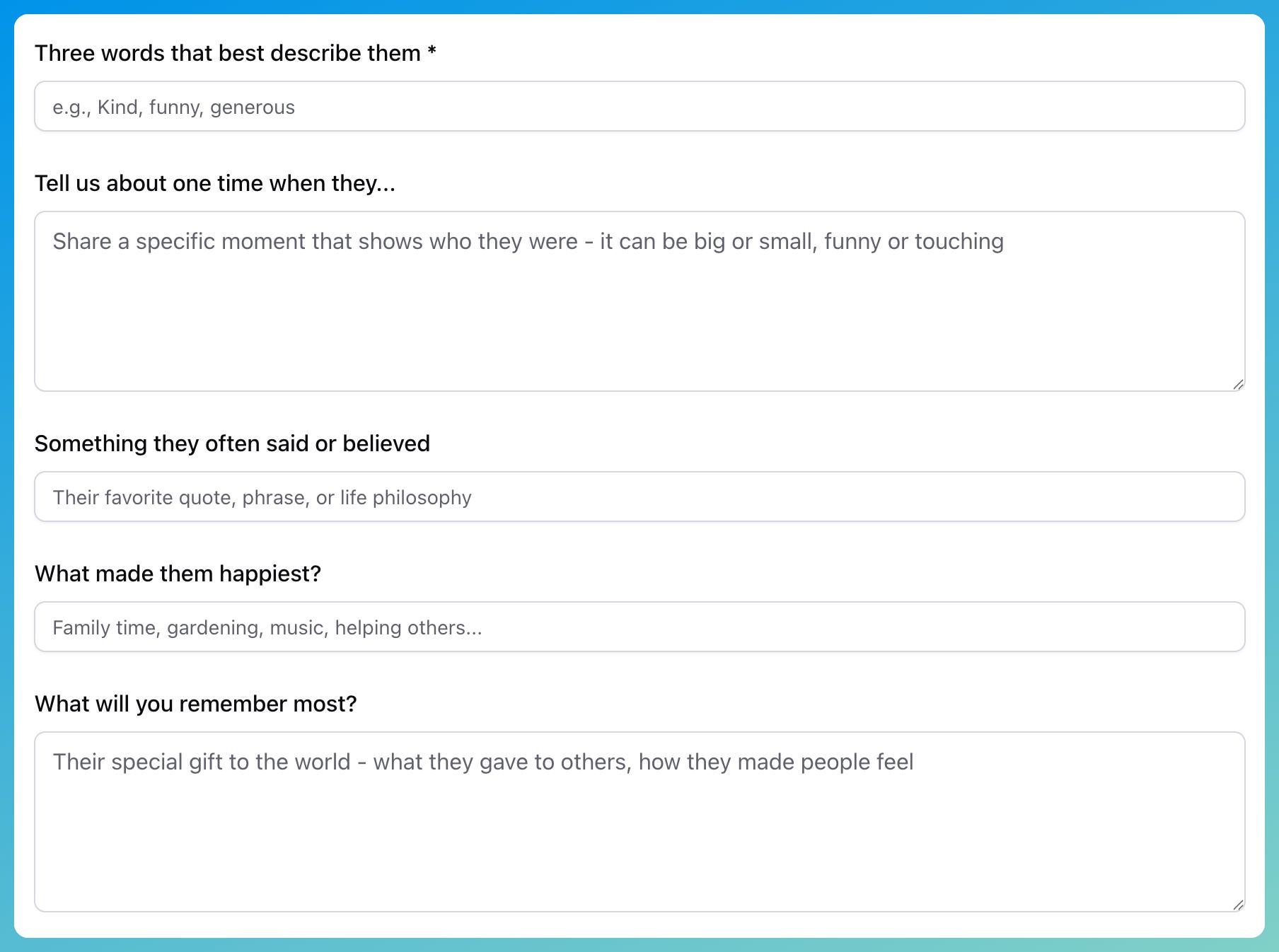
Eight questions. That is it. Nothing hard or complex:
What was their name?
What was your relationship?
How long did you know them?
Three words that describe them
One specific memory
Something they always said
What brought them joy
What was their gift to others
These are not writing prompts. They are memory prompts. You do not need to be a writer to answer them. You do not need to organize your thoughts or worry about structure. You just need to remember.
The generator takes those 8 answers and builds a eulogy around them. Your words, your memories, structured into something you can actually stand up and read.
Why 4 Tones Matter
Grief is not one-size-fits-all. Neither are funerals.
Some families want solemn. Some want to laugh. Some want formal reverence. Some want raw, personal honesty. A eulogy generator that only produces one flavor is going to miss for most people.
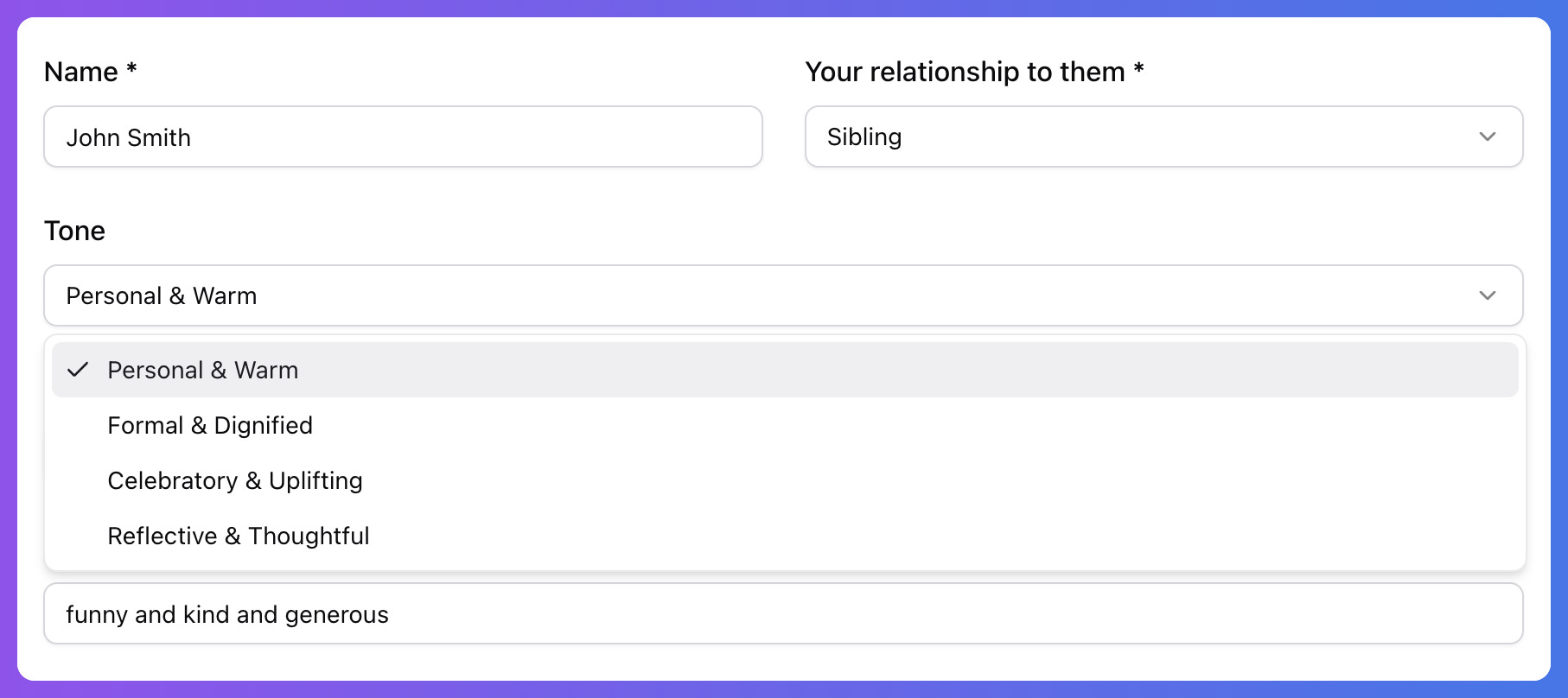
So we built 4 tone options:
Reflective and Thoughtful — Quiet, thoughtful, contemplative
Celebratory and Uplifting — Warm, uplifting, focused on the life lived
Formal and Dignified — Traditional, structured, respectful
Personal and Warm — Intimate, conversational, emotionally direct
Same memories, different voice. You can generate in all 4 and pick the one that feels right. Or mix and match paragraphs in the full editor.
The Editor
This is the part most eulogy generators skip entirely.
A generated eulogy is a starting point, not a finished product. You need to be able to edit it. Add a paragraph. Remove a line that does not feel right. Adjust the wording until it sounds like something you would actually say.
Our editor is a full rich-text editor. Bold, italics, lists, formatting. Word count. Estimated speaking time (most eulogies land between 3-5 minutes, which is 500-800 words). Print preview so you can see exactly what you will hold at the podium. Copy to clipboard for pasting into your phone’s notes app.
These details matter because the person using this tool is having one of the worst days of their life. Every friction point is cruelty. Every smooth interaction is a small kindness.
What Happened Next
We launched the eulogy generator quietly. No marketing, no ads. Just a page at off our main site and some basic SEO.
Within weeks, people started finding it through Google. “Free eulogy generator.” “AI eulogy generator.” “How to write a eulogy.” The search volume surprised us — thousands of people every month are searching for help writing eulogies.
Of course they are. It is one of the hardest writing tasks anyone faces, and it happens at the worst possible time.
Then something else happened. Our first paying customer signed up. Not because of the death note feature. Not because of proof-of-life verification or encrypted messages. Because of the eulogy generator.
They used the free tool, wrote a eulogy for their father, and then signed up for the full platform. They wanted to write their own death notes while they were still alive, so their family would not have to go through what they just went through.
That is the loop. Grief brings people in. Preparation keeps them.
The Honest Limitations
The AI generates good first drafts. It does not generate perfect eulogies.
Here is what it cannot do:
It cannot know inside jokes that only you and the person shared
It cannot capture the exact way someone laughed or the specific phrase they used when they were annoyed
It cannot replace the raw, imperfect honesty of someone speaking from the heart
What it can do is give you a structure, a starting point, and enough momentum to get past the blank page. The best eulogies we’ve seen come through our tool are the ones where someone generated a draft and then spent 20 minutes making it theirs.
That is the design intent. Not AI replacing human expression. AI scaffolding it.

Try It
Go to deathnote.ai/eulogy
Answer 8 questions about someone you want to honor
Pick a tone
Edit until it sounds like you
Print it or copy it to your phone
Free. No account required to read about it. 2 free generations per day on the free tier.
If you have already given a eulogy and wish you had this tool at the time — we’re sorry it was not there sooner. If you are planning ahead and want to write something now while you can think clearly — that is exactly what DeathNote is for.
— 8