

Hey folks!
As you know, we’ve built a free AI eulogy generator and today I’m going to review the entire category, including my own tool, and be honest about all of it.
If you googled “best AI eulogy generator” or “ChatGPT eulogy” and ended up here — good! This is the post that tells you the truth about what these tools can and cannot do and how you can think about them properly.
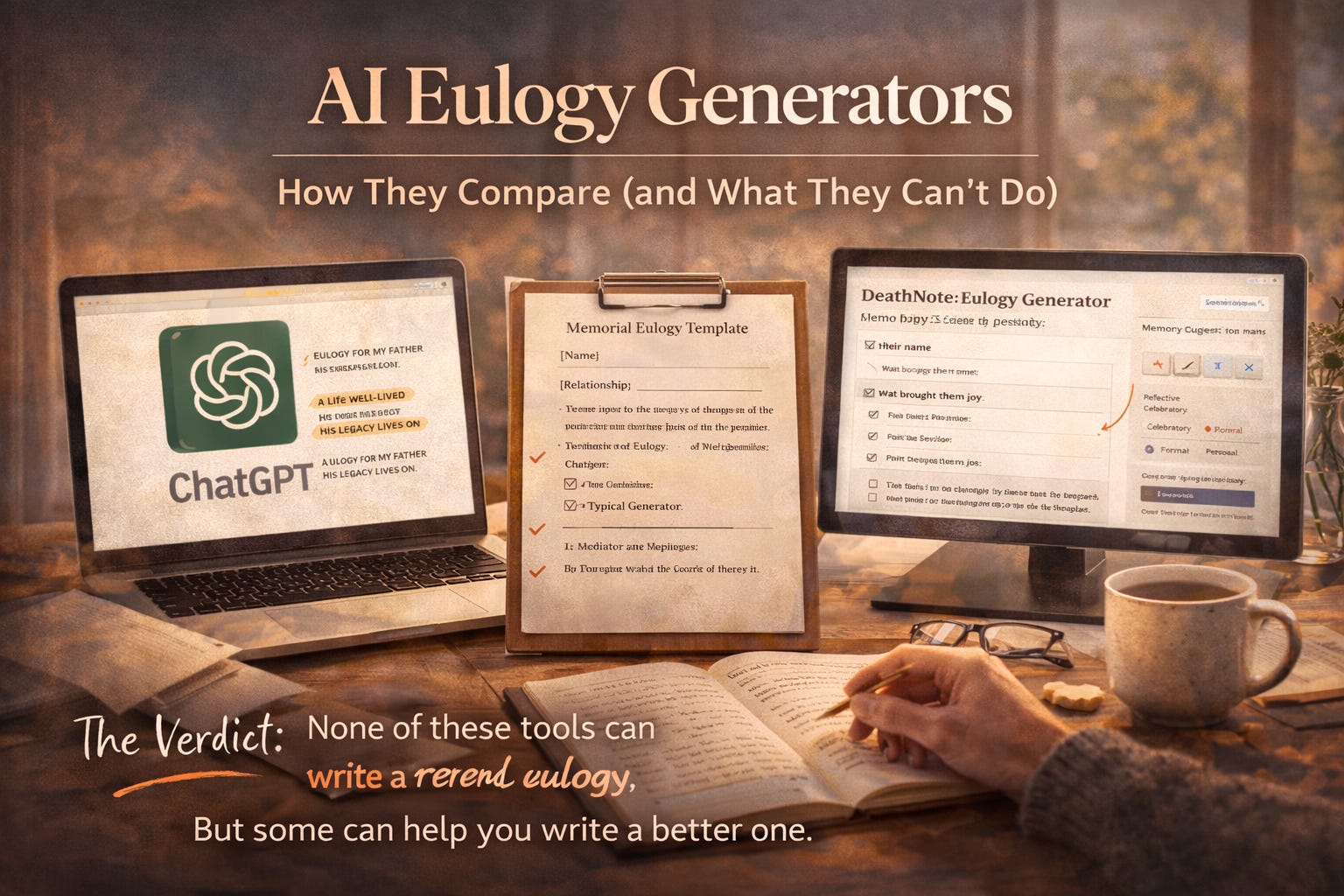
The Current Landscape
There are roughly three categories of AI eulogy tools right now:
ChatGPT / Claude / generic AI chatbots — You open ChatGPT, type “write a eulogy for my mother,” and get something back. Free, easy, immediate.
Dedicated eulogy generator websites — Purpose-built tools with forms, templates, and structured inputs. Some free, some paid. Varying quality.
Template-based tools — Fill-in-the-blank templates where you swap in names and details. The AI equivalent of a Mad Lib.
We have tested them all. Here is what we found.
ChatGPT: The Default Choice
Most people start here because it is the tool they already know.
What it does well:
Produces grammatically correct, well-structured text.
Can follow tone instructions (”make it more celebratory”).
Fast iteration — you can keep prompting until you get closer.
Free (or already paid for).
Where it falls apart:
It does not know what to ask you. You get out what you put in, and most people do not know what to put in. “Write a eulogy for my dad Jeff, he was kind and loved fishing” produces a generic fishing eulogy that could be about anyone’s dad.
The default output is unmistakably AI. Certain phrases show up every time: “a life well-lived,” “left an indelible mark,” “his legacy lives on.” These are the hallmarks of machine text and everyone in that funeral will recognize them.
No structure. It generates a wall of text. You need to manually edit it in a separate tool.
No tone control beyond prompting. “Make it more personal” is vague and the results are inconsistent.
No word count targeting. You might get 200 words or 1,200 words.
Verdict: Good for brainstorming. Bad as a final product without heavy editing.
Dedicated Eulogy Generators: The Spectrum
We tested a dozen of these. They range from genuinely useful to barely functional.
The bad ones:
Ask for name + relationship + a couple sentences, then generate something almost identical to raw ChatGPT output.
Some charge $10-30 for what is essentially a wrapper around a basic AI prompt.
No editing tools. Generate, copy, done. Hope you like it.
Several are clearly SEO farms — the eulogy generator is a landing page play, not a real product.
The better ones (including ours) share a few traits:
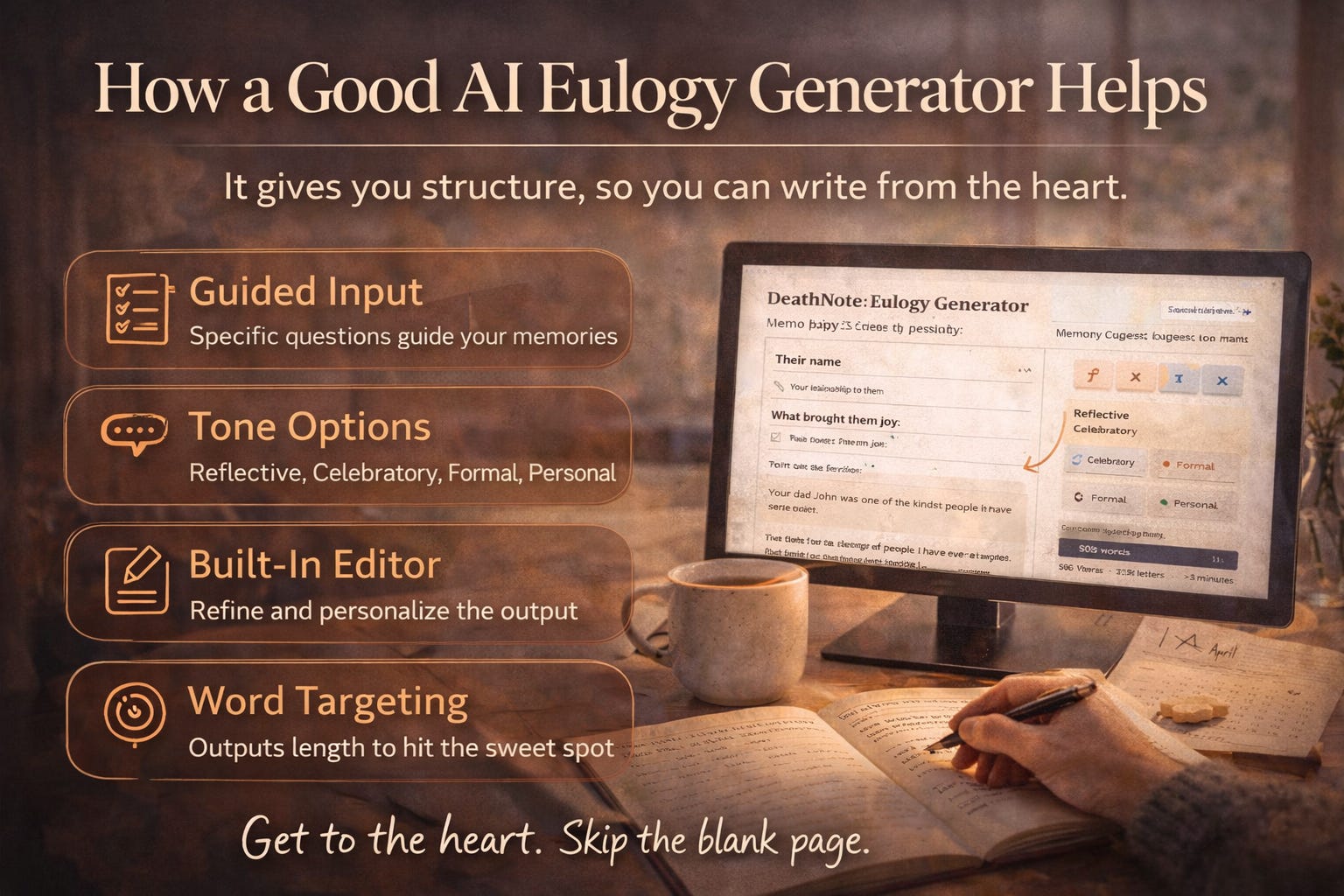
Structured inputs. Instead of a blank text box, they ask specific questions that guide you toward providing the details that make a eulogy personal.
Tone options. You can specify the emotional register.
Editing capabilities. A built-in editor so you can refine the output.
Word count awareness. Targeting the 500-800 word sweet spot for a 3-5 minute speech.
Ultimately, it’s up to you of course.
How DeathNote’s Eulogy Generator Works
Of course we are biased, so we’ll just describe the design decisions and you can be the judge:
8 specific questions. Not “tell me about the person.” Specific prompts: three words that describe them, one specific memory, something they always said, what brought them joy, their gift to others. These force specificity. You cannot answer “something they always said” with a generic response. You have to actually remember.
4 tone presets. Reflective, celebratory, formal, personal. Each produces meaningfully different output. Same memories, different voice.
Full rich-text editor. Bold, italics, lists. Word count and estimated speaking time displayed live. The generated text is a starting point — the editor is where you make it yours.
Print preview. You can see exactly what the page will look like when you print it. Because you will probably be holding a printed page at the podium, not your phone.
Free tier. 2 generations per day. No credit card. We make money from the broader DeathNote platform (death notes, proof-of-life verification, encrypted delivery), not from charging grieving people for a eulogy.
We know that our system works well but we ultimately want everyone to use what works and allowing you to deliver a personal message that you’re happy and comfortable with.
And that’s already a challenge!

What No AI Eulogy Generator Can Do
None of these tools — ours included — can replace the genuine, unpolished, deeply personal eulogy that comes from someone who loved the person and took the time to write from the heart.
AI cannot know:
The inside joke only your family understands.
The exact inflection your mother used when she said “oh, for heaven’s sake”.
The way your father’s hands looked when he was working in the garden.
The thing you never told anyone about the person but need to say now.
The best use of any AI eulogy tool is as scaffolding. It gives you structure, it gives you a starting point, it breaks you past the blank page. Then you put your real self into it.
The worst use is treating the AI output as a finished product and reading it verbatim. Everyone in that room will know.
Not because AI is bad at writing — but because the eulogy will be missing the one thing that matters most: You.
Our Recommendation
If you need to write a eulogy right now:
Start with a tool. Any tool. Ours, ChatGPT, a template. The blank page is the enemy. Get past it.
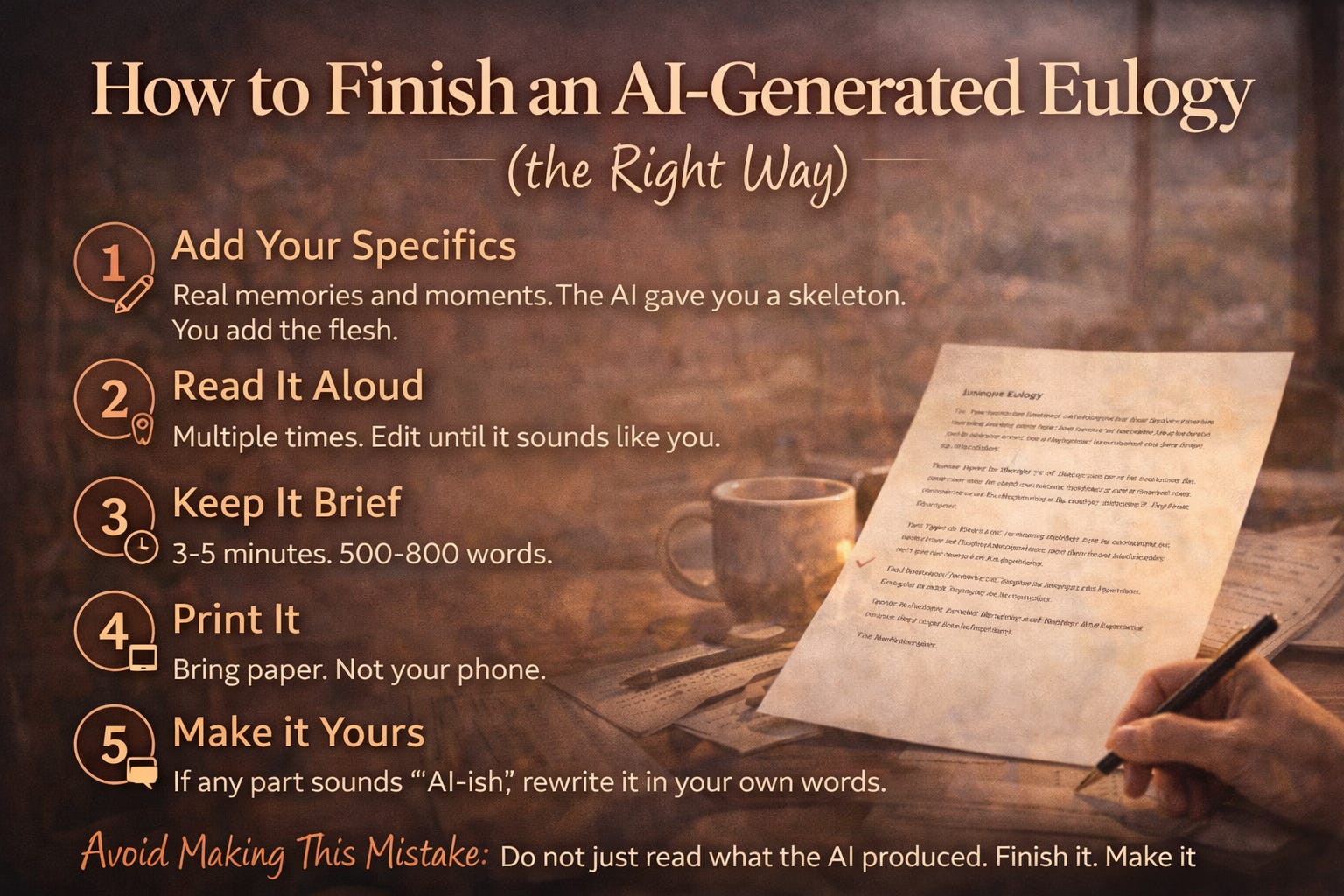
Add your specifics. The real memories, the real phrases, the real moments. The AI gave you a skeleton. You add the flesh.
Read it aloud. Multiple times. Edit until it sounds like something you would actually say. If any sentence sounds “AI-ish,” rewrite it in your own words.
Keep it to 3-5 minutes. 500-800 words. The room will thank you.
Print it. Paper. Not your phone.
If you want to try our approach, you can check it out here. 8 questions, 4 tones, full editor. Totally Free.
If you prefer ChatGPT, here is a better prompt than what most people use — fill in the brackets [ ] with whatever you might need:
Write a 600-word eulogy for [name], who was my [relationship].
We knew each other for [time].
Three words that describe them: [words].
One specific memory: [memory].
Something they always said: [phrase].
What brought them joy: [thing].
Their gift to others: [quality].
Tone: [reflective/celebratory/formal/personal].
That prompt structure is basically our 8 questions fed into ChatGPT. You will get better output than “write a eulogy for my dad.”
We are giving away the recipe because the point was never to lock you into our tool. The point is to help you write a good eulogy. However you get there.
— 8